

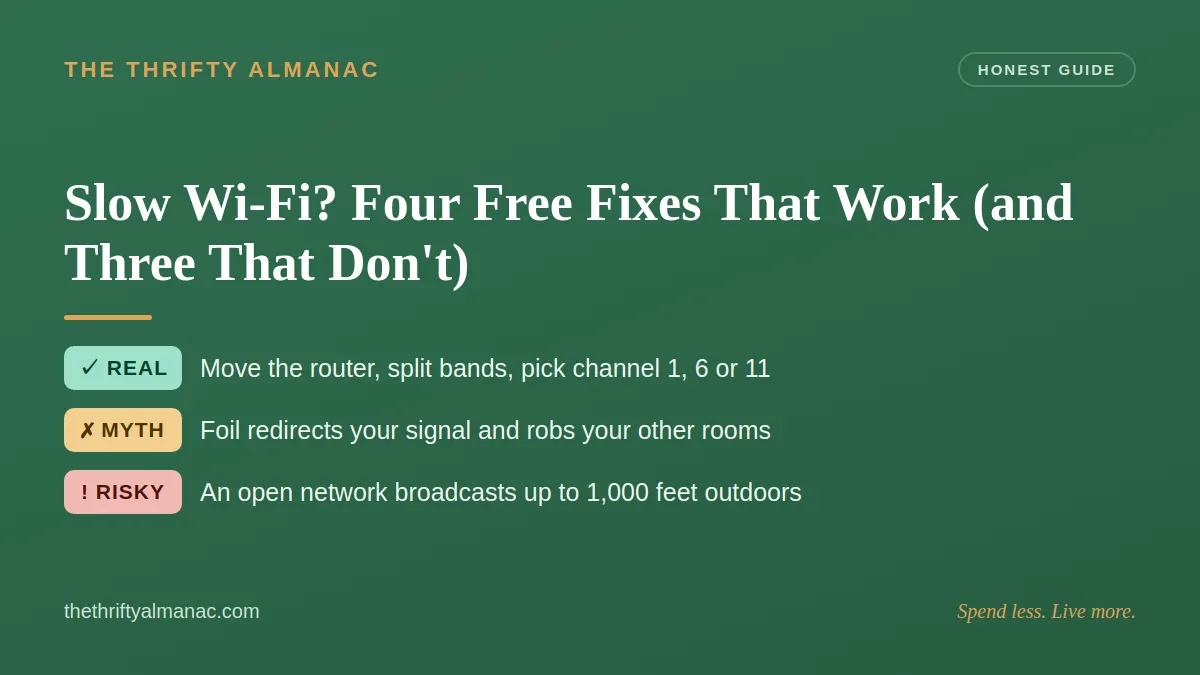
The upgrade offer always lands the same week the video starts stuttering: a faster tier, a few dollars more a month, forever. Before you accept, find out where the slowdown actually lives — none of the four fixes below costs a dollar, in the same buy-nothing-first spirit as our whole-house guide to cheap fixes.
Is it your plan, or is it your house?
The FCC's Measuring Broadband America report says it plainly: some Wi-Fi connections may be limited to tens of Mbps, and that becomes the maximum achievable throughput to a device — independent of whether the subscription delivers hundreds of Mbps to the home. A bigger plan cannot raise a ceiling sitting between your router and your laptop.
That report tested twelve provider/technology configurations: eight measured 100% or better than advertised download speed at peak hours (7 to 11 p.m. local), the other four delivered 86% to 90%. It measures a wired node in volunteers' homes, not their Wi-Fi — which is why the finding points the finger inward.

Fix 1: Move the router
What and how: Central, off the floor, out of the cabinet. The FCC and New Jersey's NJCCIC both call for a central location away from thick walls and solid surfaces, on a shelf or table. Put it roughly equidistant from the spots where you actually use the internet, not next to the coax jack.
Why, and the limit: NJCCIC says a good signal is typically viable within about 150 feet of the access point, and a University of Michigan retirees' explainer notes homes run 1,200 to 5,000 square feet, floors blocking worse than walls. Keep it clear of CU Boulder's named interference sources: microwave ovens, Bluetooth gear and concrete walls. That's coverage, not a throughput guarantee; a corner-only coax drop means Fix 4 instead.
Fix 2: Split the bands
What and how: The FCC lays out the tradeoff — 2.4 GHz covers more ground but processes data less quickly, while 5 GHz is faster, shorter-range and may be less crowded by neighbors — and advises dedicating 5 GHz to your most important uses, such as work or school. Routers often hide both bands under one name and steer automatically, which can strand your work laptop on the slow band. Give them separate names, then put the TV, work laptop and console on 5 GHz.
Why, and the limit: The devices that need speed stop queueing behind ones that don't — but this redistributes capacity rather than creating any. If everything already sits on 5 GHz near the router, expect little, much like most free habit changes that shave a power bill.
Fix 3: Change the channel (this one is for apartments)
What and how: In the US, 2.4 GHz offers channels 1 through 11, and only three don't overlap: 1, 6 and 11. Cornell's IT group notes a device on channel 3 impacts both channel 1 and channel 6, and that access points sharing airspace suffer a reduction in air time. Your router's settings list the neighbors the FCC warns can affect performance; pick the least crowded of the three.
Why, and the limit: On a research testbed at NYU Tandon, two networks sharing a channel each got roughly half the throughput they managed on non-overlapping ones — 1.85 to 3.75 Mbps for one, 5.32 to 10.66 Mbps for the other. Use the ratio, not the numbers: that was an outdoor testbed, not an apartment. In a detached house with no neighbors in range, this does almost nothing.
Fix 4: One Ethernet cable beats every trick here
What and how: The FCC states a direct Ethernet connection between router and device will provide the highest speeds and alleviate Wi-Fi congestion issues. Wire the stationary heavy users — the 4K TV (the FCC pegs Ultra HD 4K at 25 Mbps), the work desktop, the console. Run flat cable along a baseboard where nobody walks: a cable crushed under a rug or door is a trip hazard and an intermittent connection.
Why, and the limit: A wired device gets a clean link and stops competing for airtime — the only fix here that removes a device from the shared medium, for less than a month of an upgrade. Best for gear that never moves; it fixes the last stretch inside the house, not a slow line into it — the same logic as small plumbing repairs that beat a service call.
The "free tricks" that aren't
Myth 1: Foil or a cut beer can behind the antenna
This deserves a fairer hearing than it gets: the physics is real, it just doesn't do what the video promises. Peer-reviewed work from Dartmouth and three partner universities (ACM BuildSys 2017) wrapped a computer-optimized, 3D-printed reflector around an access point. Optimized reflectors weakened or enhanced signals in target areas by up to 10 or 6 dB, "resulting to throughput changes by up to -63.3% or 55.1%."
Read them together: the gain in the target area comes from the loss everywhere else, using a shape computed for one room — and a hand-folded pie plate is not that shape. It redirects signal, it doesn't multiply it, and it robs your other rooms.
Myth 2: The cheap "boost your signal" gadget
Range extenders and mesh systems are legitimate — the FCC lists both as ways to improve signal strength. But a single-radio plug-in repeater talks to your router on the channel it also serves your devices on, competing for airtime — the mechanism behind the roughly 2x gap measured at NYU Tandon, and why a mesh node with a wired backhaul beats one.
A category note: a consumer cellular booster is a regulated device. FCC rules require your provider's consent, registration, a Consumer Use label and shutdown if it interferes. Those rules don't cover Wi-Fi extenders — but they say plenty about magic-amplifier marketing.
Myth 3: The bigger plan
If the bottleneck is a Wi-Fi link the FCC says can cap at tens of Mbps, a bigger bill changes the invoice, not the video — and it recurs monthly.

Free, but for security — not speed
These are not speed jobs. Do them anyway; ten minutes, once.
- Update the firmware. NJCCIC notes router firmware generally must be downloaded and installed manually and that updates patch vulnerabilities. Take it only from the manufacturer's site.
- Change the admin login — CISA puts the router's default username and password first — and turn off remote management, WPS and UPnP.
- Fix the encryption. CISA says WPA3 is currently the strongest; pick WPA3 Personal or WPA2 AES; replace a router offering only WEP, WPA or WPA2-TKIP. For the passphrase it suggests 5 to 7 unrelated words totaling at least 16 characters.
None of that speeds anything up; no source claims it does. One correction, though: hiding your network name does nothing for speed but isn't the security mistake it's often called — CISA advises against publicizing your SSID, and NJCCIC recommends disabling the broadcast.
The one money-saving idea that's genuinely dangerous
Someone will tell you to run an open network to "stop the overhead." Don't. What an open network does is broadcast past your walls: CISA puts typical indoor range at 150 to 300 feet and says outdoors it may reach 1,000 feet, which is why an unsecured network invites piggybacking, wardriving, evil twin attacks and sniffing of traffic sent "in the clear" — passwords and card numbers included.
Still slow? How to upgrade without getting sold
Run the FCC's escalation first: check your plan, run a speed test, ask about outages, reboot the router. If that fails, the FCC says you may have an equipment issue such as an outdated router. No source sets a replacement interval, though, so ignore anyone who says routers expire on a schedule. Then use the tool almost nobody knows exists: providers must display a broadband consumer label for every standalone plan, modeled on nutrition labels.
Size the plan honestly. The FCC's per-activity guide lists 5 to 8 Mbps for HD video, 25 for Ultra HD 4K, 6 for HD teleconferencing and 4 for multiplayer gaming — figures the FCC itself calls rough guidelines, not based on its own surveys or experiments. Its household guide still calls "more than 25 Mbps" Advanced and was last reviewed in July 2022, while in March 2024 the agency raised its benchmark to 100 Mbps down and 20 Mbps up. Treat the charts as a floor, not a target.
And if a provider bills for speed it isn't delivering, that's a complaint, not an upgrade: a 2022 FTC proposed order requires Frontier to substantiate DSL speed claims customer by customer, notify shortchanged customers, allow free cancellation, and pay $8.5 million in penalties plus $250,000 for harmed California customers.
The honest tier list
| Verdict | What it is | Cost | Where it helps |
|---|---|---|---|
| REAL | Router central and up high | Free | Corner or cabinet routers |
| REAL | Split bands; 5 GHz for work and TV | Free | One device always crawling |
| REAL | Channel 1, 6 or 11 | Free | Apartments, not rural homes |
| REAL | Wire the heavy users | A cable | 4K TV, desktop, console |
| SECURITY ONLY | Firmware, admin password, WPA3 | Free | No speed change |
| SITUATIONAL | Mesh with wired backhaul | Paid | Multi-floor dead zones |
| MYTH | Foil behind the antenna | Free | Redirects; costs other rooms |
| MYTH | Single-radio "5X speed" booster | Paid | Competes for airtime |
| DANGEROUS | Open network, no encryption | Free | Exposes traffic past your walls |
Common mistakes
- Upgrading the plan before checking the house. A Wi-Fi link capped at tens of Mbps caps there regardless.
- Leaving the router on the floor behind the TV. Cabinets and corners waste its range budget.
- Buying a repeater to solve a placement problem. Move the router or run a cable first.
- Folding foil and calling it done. The gain needed a computed shape and cost up to 63.3% elsewhere.
FAQ
Will a mesh system fix my dead zone?
Possibly. The FCC lists mesh routers and extenders as legitimate ways to improve signal strength. Do the free fixes first: if a room stays dark after the router moves, a mesh node with a wired backhaul beats a cheap repeater.
Does hiding my Wi-Fi name make it faster?
No — it changes nothing about throughput. It is, however, a step CISA and NJCCIC both endorse on security grounds, since a name you don't publicize is harder for an attacker to find.
When should I just call the provider?
After the four free fixes, if a wired speed test still lands far below what you pay for. Ask for your plan's broadband label and compare it against your test — the Frontier case shows a chronic shortfall calls for a complaint, not a gadget.
The takeaway: Spend one evening moving the router, splitting the bands, picking a clean channel and running one cable before you agree to pay more every month for speed your house cannot carry. Spend less. Live more. — The Thrifty Almanac






0comments